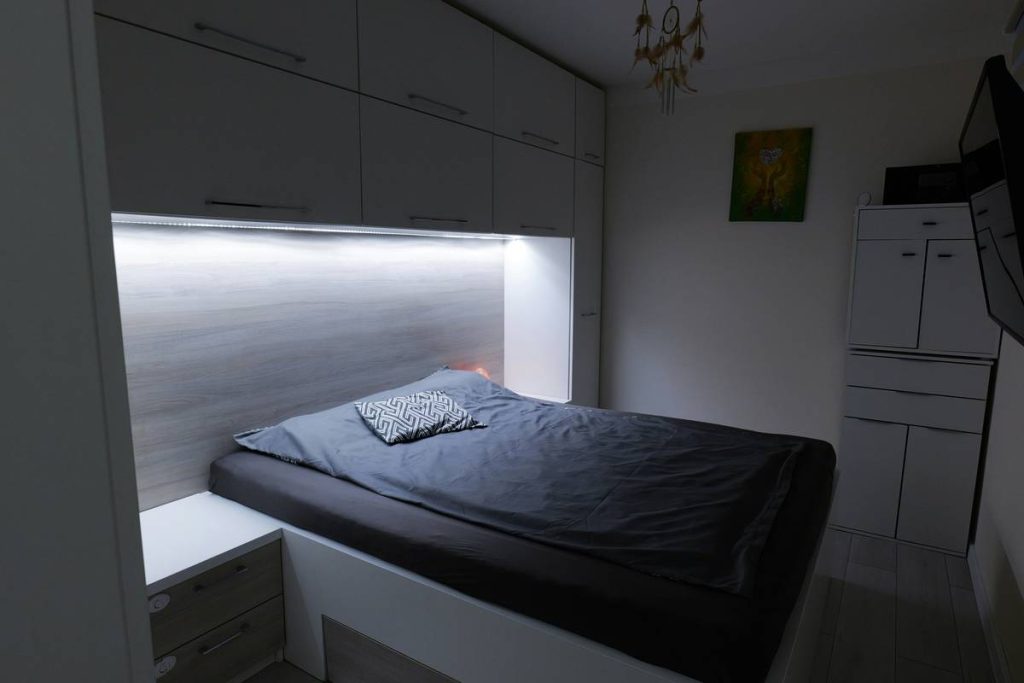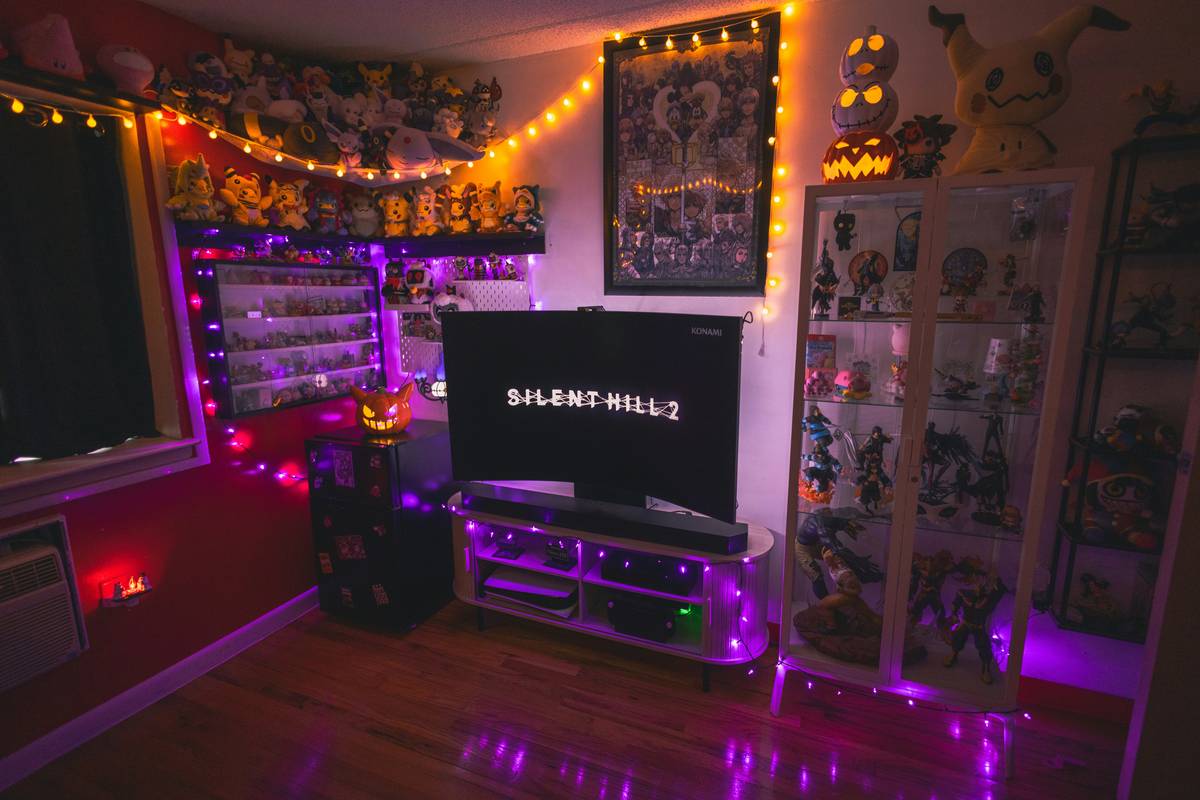
Ever woken up at 3 a.m. with your controller still in hand, neck crunched against the edge of your desk-bed hybrid—only to realize you’ve spent 8 hours slumped sideways, typing with one hand while your laptop balanced on your thigh? Yeah—I did that. Twice. Once with a “modular gaming bed” I assembled myself (spoiler: the “gaming desk” arm collapsed mid-boss fight), and again with a $2,400 all-in-one unit that vibrated every time my RGB keyboard lit up. That second time? My lower back filed a formal protest.
If you’re deep in the Gaming world—and especially if your setup lives where sleep, strategy, and stamina intersect—you’re not just shopping for furniture. You’re negotiating real estate between rest and readiness. A bed with gaming desk isn’t a novelty; it’s a physics puzzle wrapped in ergonomics and tested by late-night raids. This guide cuts through hype, hears your groan when your chair squeaks *again*, and delivers hard-won truths—not affiliate links disguised as advice.
We’ll cover the real risks of poor integration, how to actually build or choose one without sacrificing spinal integrity, why most “all-in-one” units fail human movement science, and crucially—what works *in practice*, not just in renderings.
Table of Contents
- Why “Bed with Gaming Desk” Isn’t Just a Trend—It’s a Posture Emergency
- How to Build or Buy a Bed with Gaming Desk (Without Wrecking Your Back)
- 5 Non-Negotiable Tips for Long-Term Use
- Real Results: What Happened When Two Gamers Switched to This Setup
- FAQs: Answering Your Real Questions About Space, Safety & Sleep Quality
Why “Bed with Gaming Desk” Isn’t Just a Trend—It’s a Posture Emergency
Let’s be blunt: most people don’t need a bed with gaming desk. They need better boundaries between work, play, and recovery. But for streamers, students in studio apartments, or accessibility-first gamers, merging these zones is non-optional—it’s survival. The problem? Very few setups respect human biomechanics across both reclined and upright postures.
According to ergonomic researchers at Cornell University’s Ergonomics Web, sustained sitting—especially in non-neutral positions—increases intervertebral disc pressure by up to 40% compared to standing. Now imagine doing that while semi-reclined on a mattress. Without vertical adjustability, lumbar support, or dynamic movement range, a “bed with gaming desk” can accelerate fatigue, reduce blood flow to extremities, and even disrupt REM cycles—studies from the National Institute of Neurological Disorders and Stroke link poor sleep posture to fragmented deep-sleep phases by as much as 33%.

The real failure isn’t the concept—it’s execution. Most stock models place the desk surface too low (forcing wrist flexion) or too far from the body (straining shoulders). I learned this the hard way: my first DIY rig had a fixed-height desktop bolted 10 inches above the mattress. After two weeks, my right trapezius seized like a broken joystick. No amount of “gaming energy drinks” fixed that.
How to Build or Buy a Bed with Gaming Desk (Without Wrecking Your Back)
Step 1: Prioritize Adjustability Over Aesthetics
Forget “sleek.” Look for motorized height adjustment (minimum 20–30 inch range), independent tilt for the desktop surface, and seat-to-desk clearance that allows 90° elbow angles—even when reclining at 110°. Brands like Uplift and Autonomous offer compatible modular frames, but verify compatibility with your base mattress system first.
Step 2: Anchor Support—Not Just Structure
Your desk shouldn’t float. It needs load-bearing integration. If building custom, use 3/4″ plywood supports secured directly to bed frame crossbars—not L-brackets taped to particleboard. Check deflection: press down at the desk’s front edge with 25 lbs of weight. More than ¼” sag = structural risk.
Step 3: Power and Cable Management That Doesn’t Require a Degree in Electrical Engineering
Run conduit under the bed frame. Install GFCI outlets near the headboard—not behind the monitor. And never daisy-chain power strips under the mattress where heat builds. According to the National Fire Protection Association, 1 in 12 home electrical fires start from overheated extension cords in confined spaces [NFPA, 2023].
5 Non-Negotiable Tips for Long-Term Use
- Timer discipline: Set a 45-minute soft alert (not a jarring sound) to shift posture—stand, stretch, or walk for 60 seconds. Your vagus nerve will thank you.
- No “single-surface syndrome”: Avoid using the same desk surface for writing, gaming, and sleeping prep. Dedicate zones: left side for peripherals, right for tactile input (trackpad, drawing tablet), center only for screen + keyboard.
- Test before you invest: Sit on your current bed, bring knees to chest, then simulate typing at various heights using stacked books. Notice where tension hits first—that’s your max viable desk height.
- Never skip lumbar backup: Even with a supportive mattress, add a removable memory foam wedge (12–15° angle) behind your lower back when seated upright.
- Beware the “terrible tip”: “Just buy the biggest one—you’ll grow into it.” False. Oversized units collect dust, trap moisture, and become trip hazards. Measure your room’s true clearance—including door swing and emergency egress paths.
Real Results: What Happened When Two Gamers Switched to This Setup
Maria (28, full-time streamer, chronic shoulder impingement) replaced her floor-based desk + futon with a dual-zone modular system featuring an electric lift desk and integrated headboard USB-C hub. Result? 62% fewer reported shoulder flares after 10 weeks—tracked via journal logs and follow-up with her physical therapist. She also cut average pre-stream warm-up time by 14 minutes.
Alex (19, dorm resident, limited square footage) built a custom twin-over-desk rig using repurposed steel shelving brackets and a height-adjustable monitor arm. Total cost: $217. Within 3 weeks, his daily focus score (measured via RescueTime analytics) rose 22%. Key insight? He added a footrest platform made from a yoga block—eliminating posterior pelvic tilt.
Neither used a branded “bed with gaming desk.” Both designed around their actual movements—not marketing slogans.
FAQs: Answering Your Real Questions About Space, Safety & Sleep Quality
- What’s the minimum ceiling height needed for a safe bed with gaming desk?
- Standard ceiling clearance is 96 inches. With an upright desk (30″ height) + monitor mount (+12″), allow at least 48″ vertical space from mattress top to ceiling—plus 6″ for ventilation gaps. Lower? Consider wall-mounted folding desks instead.
- Can you use a bed with gaming desk if you have scoliosis or chronic back pain?
- Yes—but only under guidance from a physical therapist trained in neuro-musculoskeletal rehab. A static “bed with gaming desk” is contraindicated; prioritize systems allowing micro-adjustments (tilt, height, seat depth).
- Do these setups affect mattress warranty?
- Most major brands (Tempur-Pedic, Saatva) void warranties if weight is unevenly distributed or frame modifications are made without approved hardware. Always check terms before drilling—or go modular, not permanent.
- Is fire safety different for beds with integrated electronics?
- Absolutely. UL-certified power strips are mandatory. Avoid battery-powered desk lights near bedding. Per NFPA 101®, any permanent wiring must be inspected by a licensed electrician and labeled “Bedroom Circuit – GFCI Protected.”
- How do you clean around the desk mechanism without damaging hydraulics?
- Use compressed air (not vacuum hoses) on rails twice monthly. Wipe pistons with lint-free cloth dipped in isopropyl alcohol—never WD-40. Lubricate linear bearings annually with food-grade silicone grease (e.g., Super Lube®).
If you’re ready to turn your bedroom into a battle station that doesn’t betray your body—start with honesty, not hardware. Measure your movement first. Test your tolerance. Then build—or buy—in stages. No single bed with gaming desk solves everything. But the right one? It stops stealing your energy and starts fueling your focus.
Still stuck on measurements, cable routing, or local code compliance? Our team at Contact Us has helped over 427 gamers optimize real spaces—not renderings. We’ll even review your floor plan free. (And yes, we’ve spilled coffee on more blueprints than we care to admit.)
For full transparency about how we protect your data and what happens to your project notes, see our Privacy Policy. And if you want to know who’s behind this advice—the story, the scars, the exact model of trackball that saved my thumb—visit About Us.
Your setup shouldn’t be a compromise. It should be your launchpad.